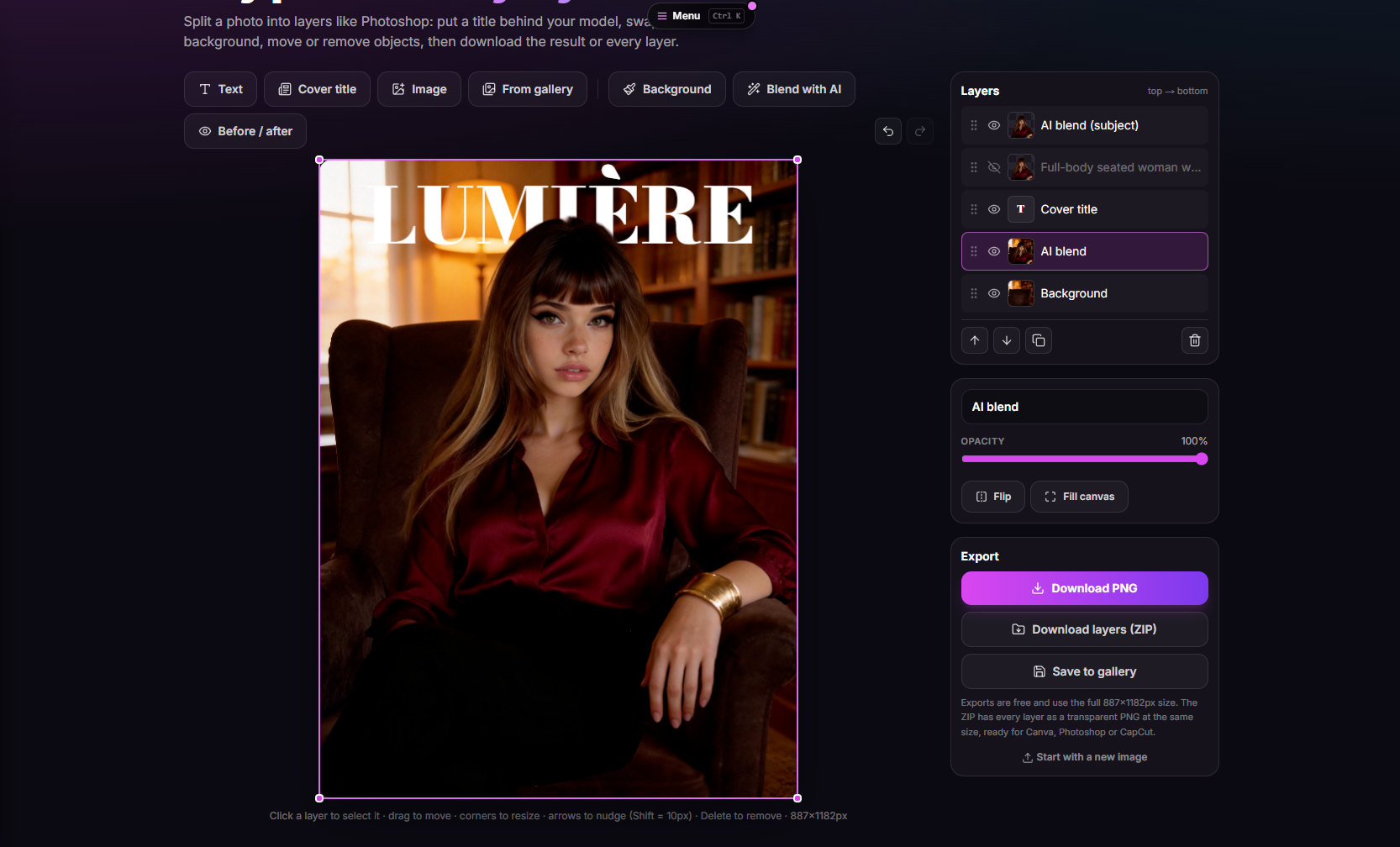
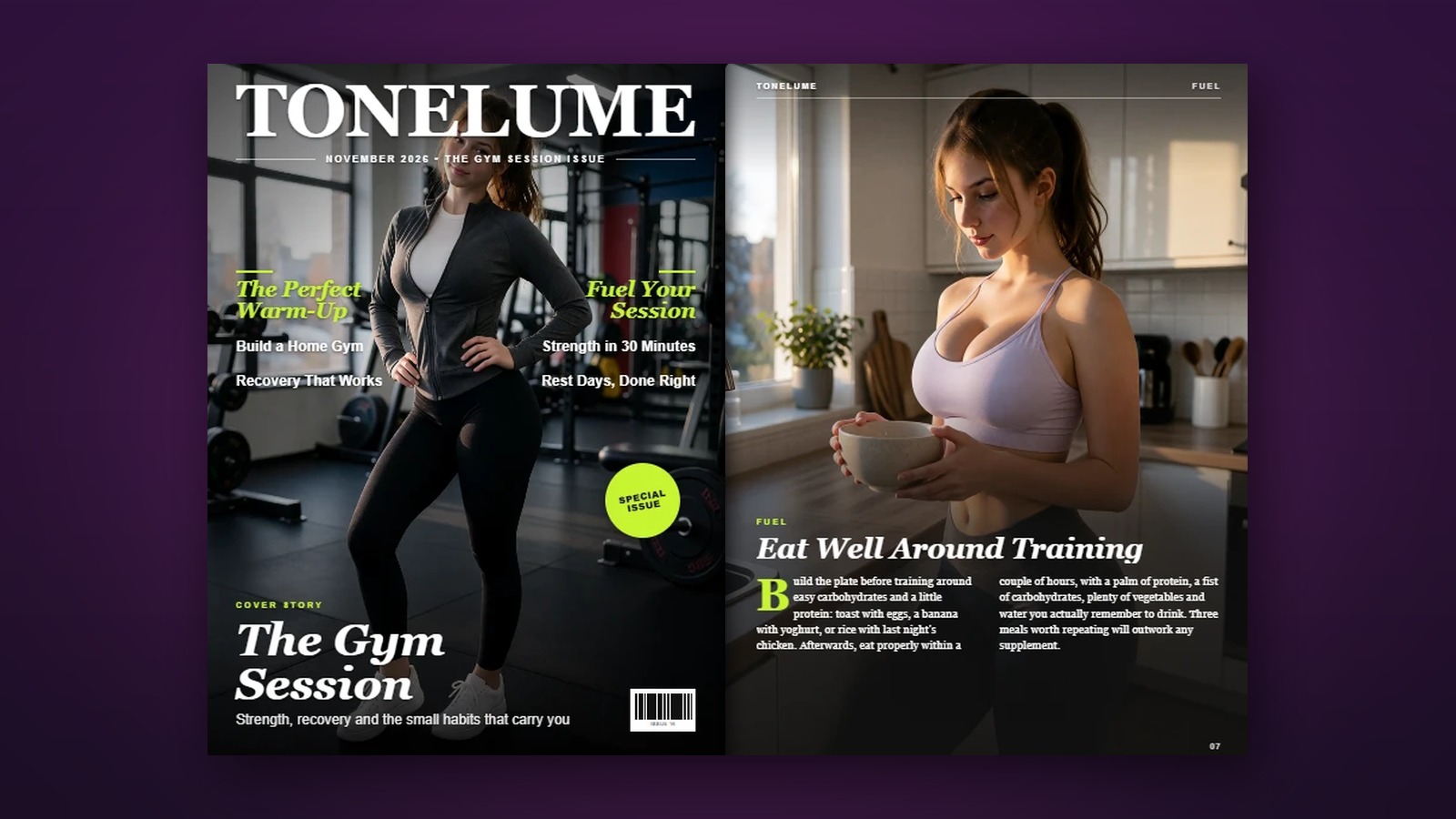
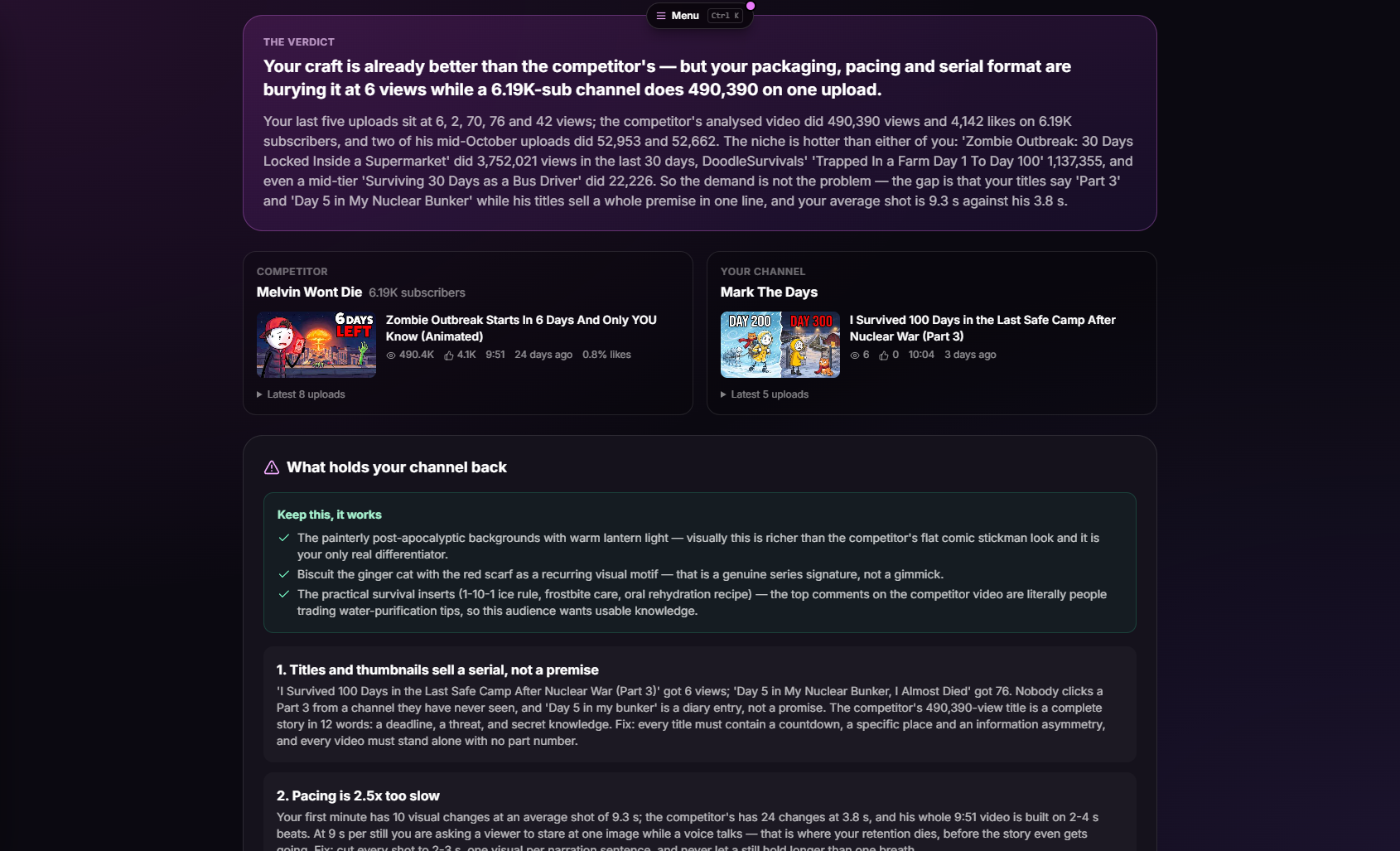
New design and models for the Chat Assistant page.
The Chat Assistant page just got a major glow-up with a modern new design that matches our latest studio pages. On top of the refreshed layout, two new model additions — Nano Banana 2 and P-Image Upscale — make the chat experience even more powerful and versatile.
A Fresh New Chat Assistant Experience: Modern Design, Smarter Models, and Faster Upscaling
We’re excited to introduce the new Chat Assistant page design, now fully aligned with the sleek, modern look of our latest studio experiences. If you’ve been using Image Studio, Video Studio, or Seedance 2 Studio, this refresh will feel instantly familiar — cleaner layouts, a more polished interface, and a smoother creative flow. Alongside the visual upgrade, the Chat Assistant also gets two powerful model additions that make it even more capable and fun to use.
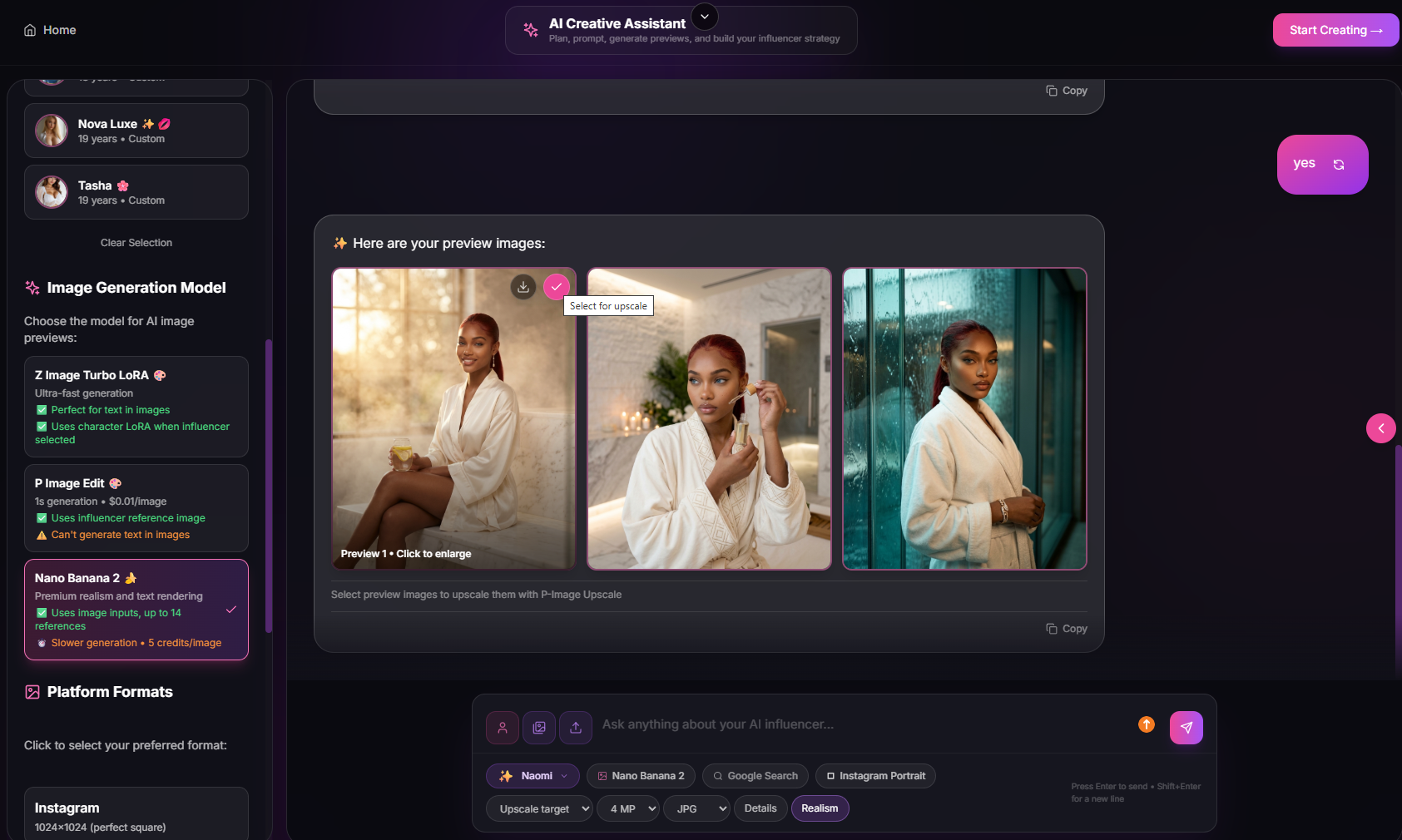
A more polished Chat Assistant page ✨
The new layout brings the Chat Assistant page in line with the rest of the platform’s updated studio design system. That means a more modern presentation, better visual consistency, and a cleaner experience that feels built for fast, creative work. The updated Chat Assistant page is designed to make browsing, generating, and refining content feel smoother from the moment you open it.
This kind of visual consistency matters more than ever. When every studio page shares the same premium feel, it’s easier to move between tools without friction — whether you’re generating visuals, editing content, or exploring new ideas in chat.
New models now available in Chat Assistant 🚀
The update goes beyond design. We’ve also expanded the Chat Assistant’s model lineup with two exciting additions that improve both image generation and image enhancement workflows.
Key Features
- • Nano Banana 2 is now available as the third image model in Chat Assistant, giving you more creative variety for image generation.
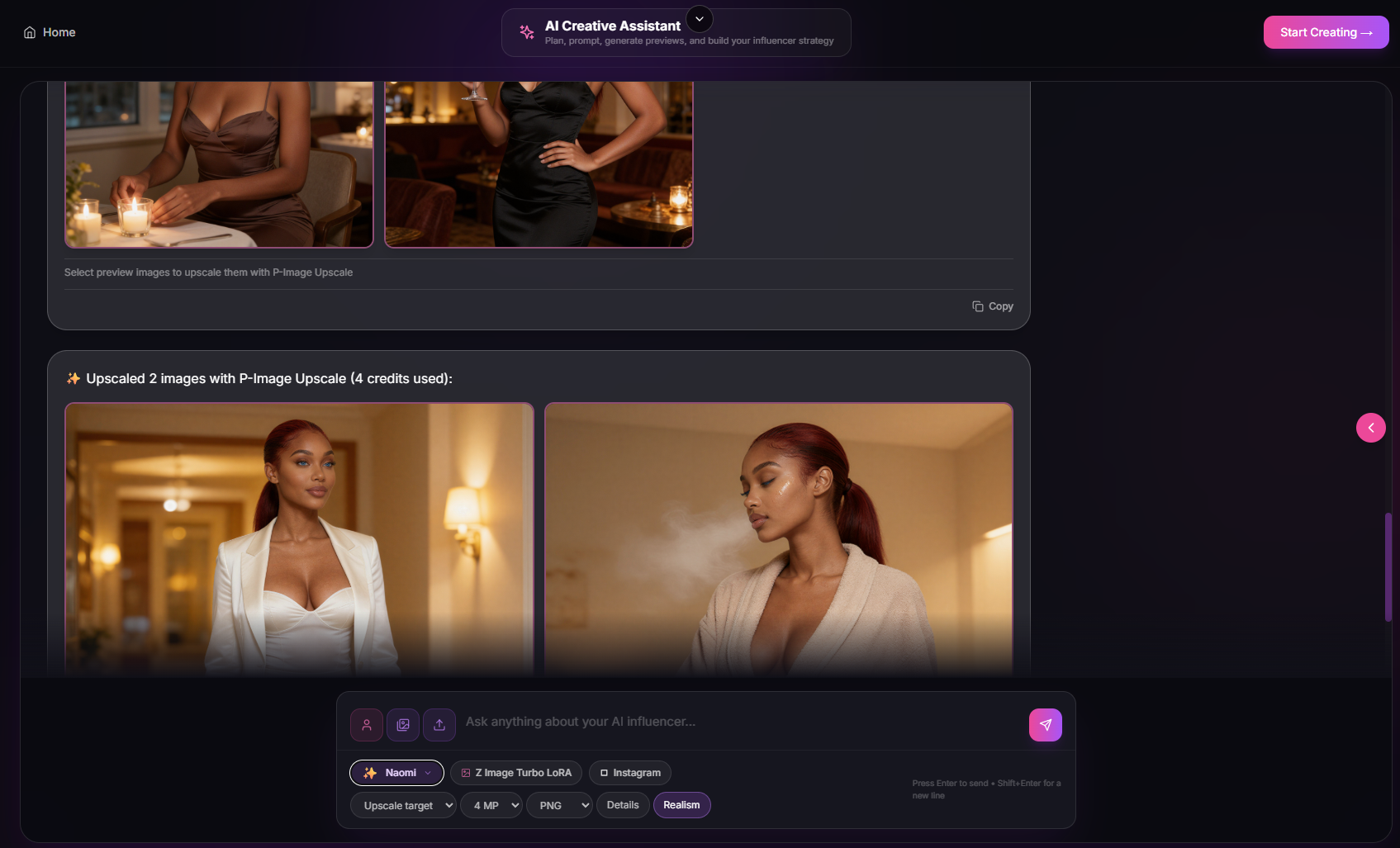
- • P-Image Upscale has been added to Chat Assistant, making it easy to upscale generated previews directly from chat.
- • Fast, affordable enhancement workflows now live in more than one place, helping you move from preview to polished output with less effort.
Nano Banana 2
Nano Banana 2 joins Chat Assistant as the third image model, adding another option for users who want more flexibility in their creative process. Having multiple image models available gives creators more room to explore different styles, aesthetics, and outputs depending on the task at hand.
P-Image Upscale
P-Image Upscale — already recognized as the cheapest and fastest upscale model in Edit Studio — is now also available in Chat Assistant. That means you can now upscale generated previews directly in chat, making the path from concept to polished image even smoother.
This is especially useful when you want to refine outputs quickly without switching contexts. Faster upscaling helps you iterate more efficiently, test variations, and keep momentum while creating.
Why this update matters 💡
This release is all about making the Chat Assistant page feel more complete, more modern, and more useful. The refreshed interface improves the overall experience, while the new models expand what you can do without leaving the chat environment.
- • A cleaner, unified layout across the platform
- • More image generation flexibility with Nano Banana 2
- • Direct access to fast image upscaling with P-Image Upscale
- • A smoother workflow for previewing, refining, and enhancing outputs
The new Chat Assistant page is now available in the platform, ready to explore alongside our latest studio experiences. Whether you’re generating ideas, creating visuals, or sharpening previews, this update makes the chat experience feel more powerful than ever.
Head over to the Chat Assistant page and try the new design and models for yourself — your next great creation might be just one prompt away. 💜